| ERROR: |
TROUBLESHOOTING: |
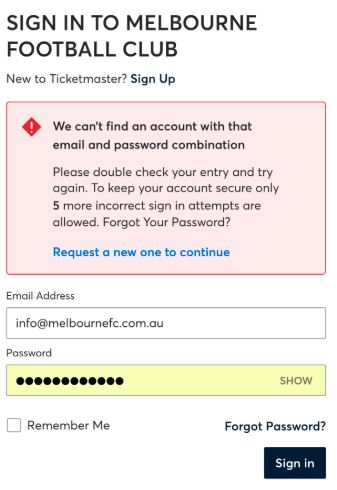 |
- Ensure you are logging in with the correct email. Your MFC email and Ticketmaster email must match. If you need to update your email, please contact the Membership Department at (03) 9652 1155 or email membership@melbournefc.com.au
- Change/ reset your password by clicking 'Forgot Password'.
|
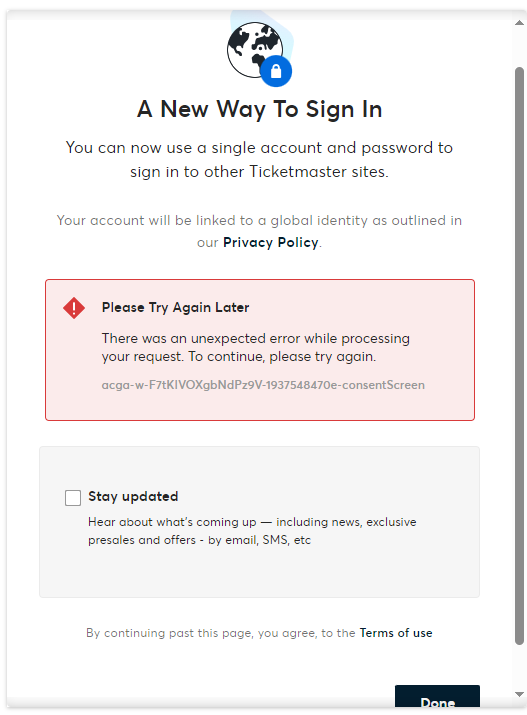 |
- This error indicates your account has been locked. To unlock, please reset your password.
- Go back to the log in page and select 'Forgot Password' and follow the prompts to do so.
|
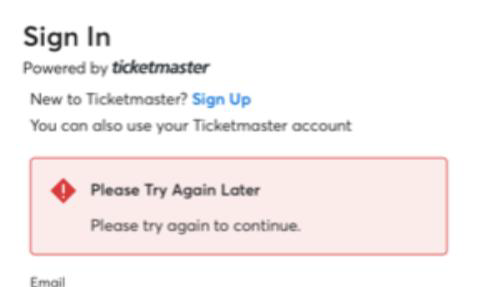 |
- Your Ticketmaster account is locked.
- To unlock this, you will need to log into the Ticketmaster website first. You can log in to Ticketmaster here.
- Once you have successfully logged into the Ticketmaster website, login to the Melbourne FC app again.
|
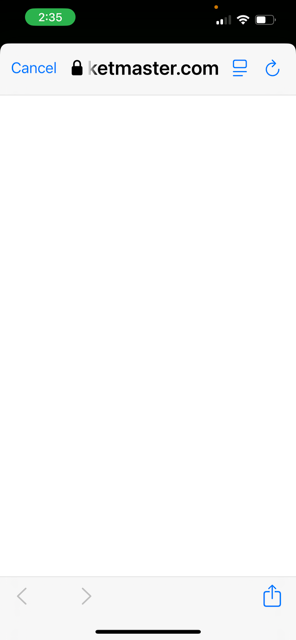 |
- If your app is showing a blank screen after you log in, your member account has been locked.
- To unlock the account, you need to log out, reset the password and log back in.
- Once your password has been reset, you should be able to log in and access your tickets.
|
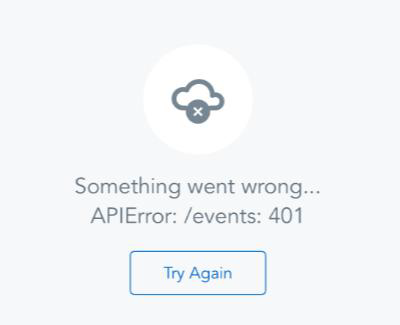 |
- This error indicates the club app could not authenticate your login.
- You will need to log out and log back in.
|